
WhatsApp Without Saving a Number on iPhone
iOS keeps contacts and messaging tightly linked, which is why the obvious route on an iPhone is to create a contact you do not want. Here are the three methods that skip it, and when each one is worth using.
Using Safari (no app needed)
Open Safari, type wa.me/ followed by the number in international format, and load the page. Tap through to WhatsApp and the conversation opens.
Two iPhone-specific notes. First, Safari will try to autocomplete the URL from history — check the number before you load it, especially if you have opened a similar one before. Second, if you paste a number copied with spaces or brackets, the link will fail; strip it to digits first.
Using an iOS Shortcut
The Shortcuts app can turn this into one tap from the home screen. Build it with three actions:
- Ask for Input — set the input type to Number, prompt "Phone number".
- Text —
https://wa.me/[Provided Input]. - Open URLs — pass the text from step two.
This is genuinely useful if you always message numbers in the same country. It gets awkward when you don't, because the Shortcut has no country picker and no memory of numbers you have used before.
Using Click to Chat
Click to Chat is an independent iPhone utility built around this one task. The home screen is a country selector and a number field, with a single button to open the conversation. Choosing the country from the list means you never think about trunk prefixes.
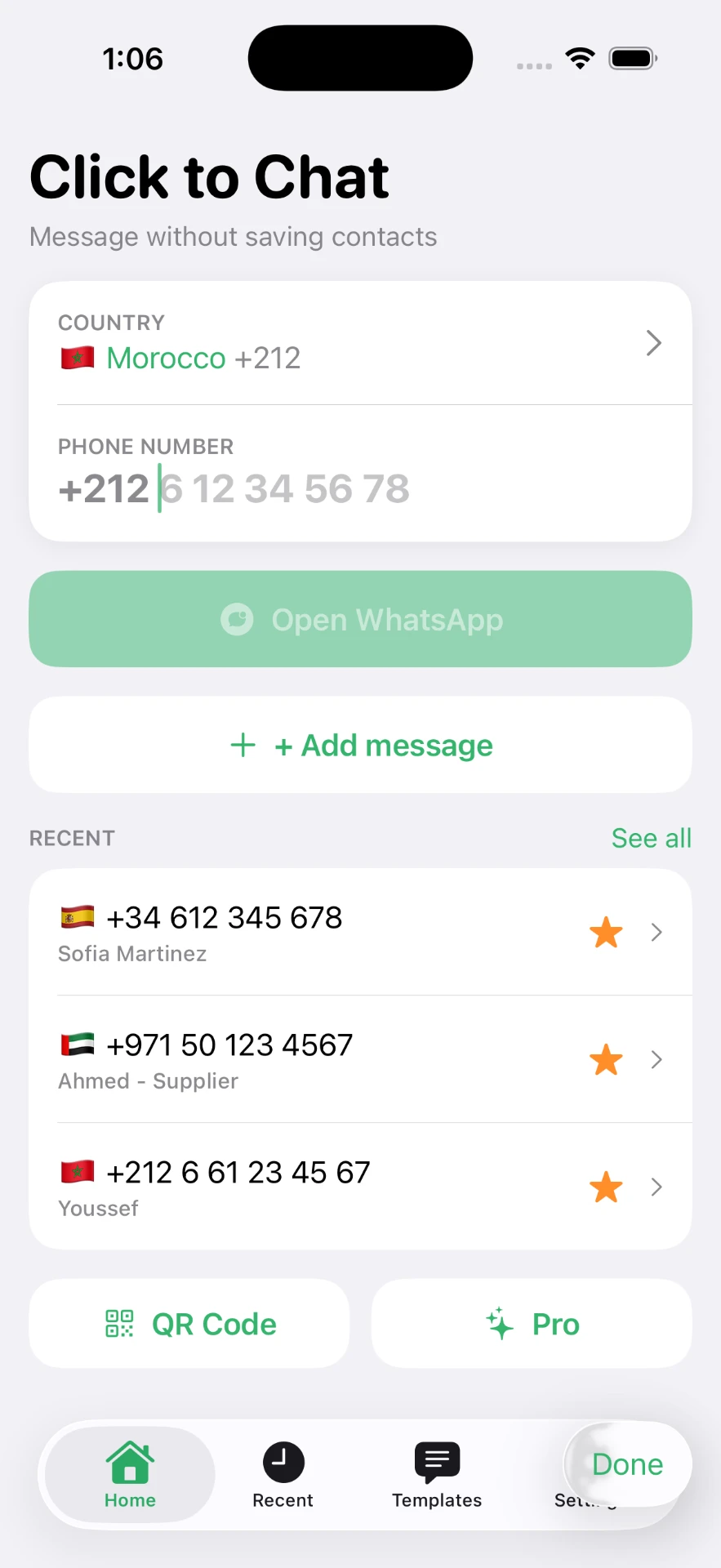
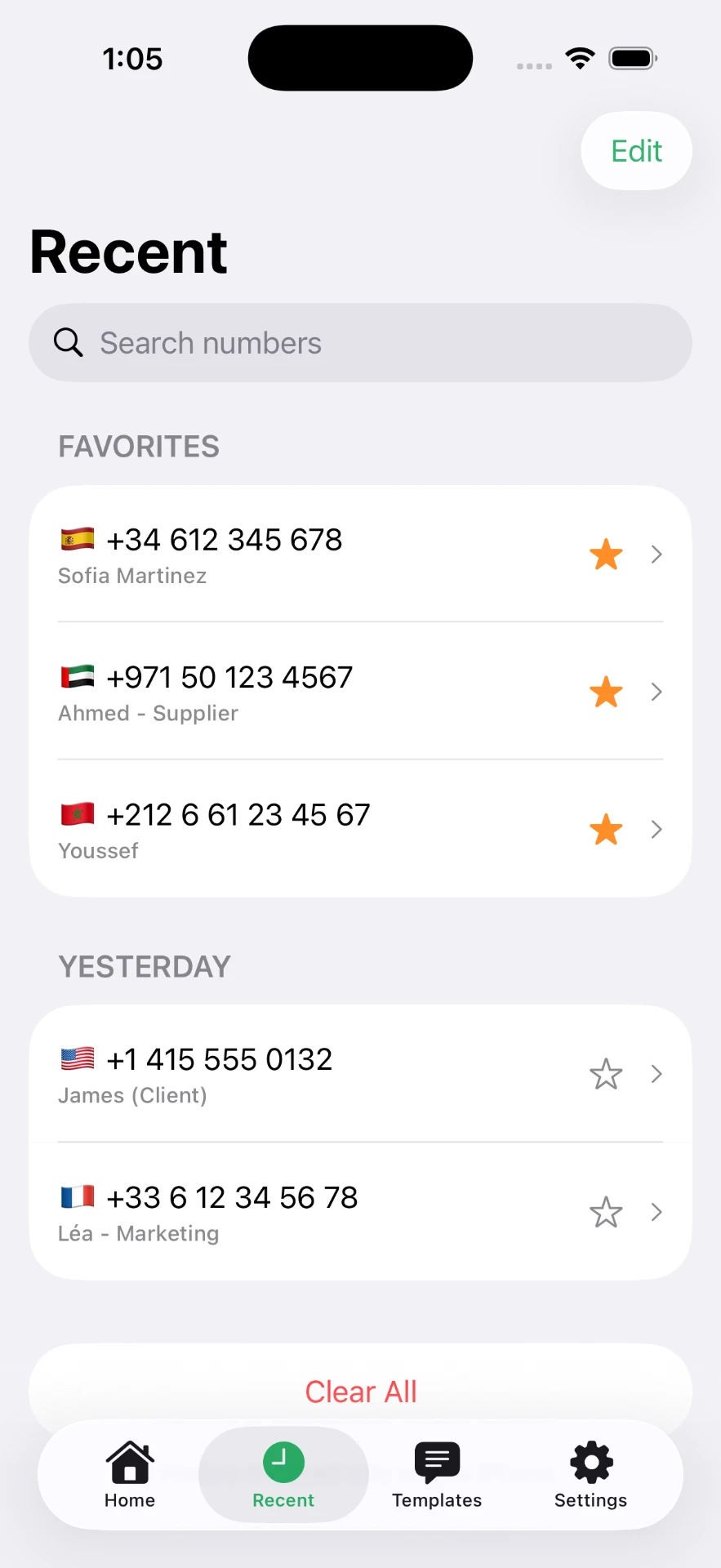
Recents and favorites
The part a link cannot do is remember. Every number you open is kept in a recents list grouped by day, with the country flag alongside it, and you can label the ones worth labelling — "Ahmed - Supplier" is more useful than a raw number without becoming a contact card that syncs to every device you own.
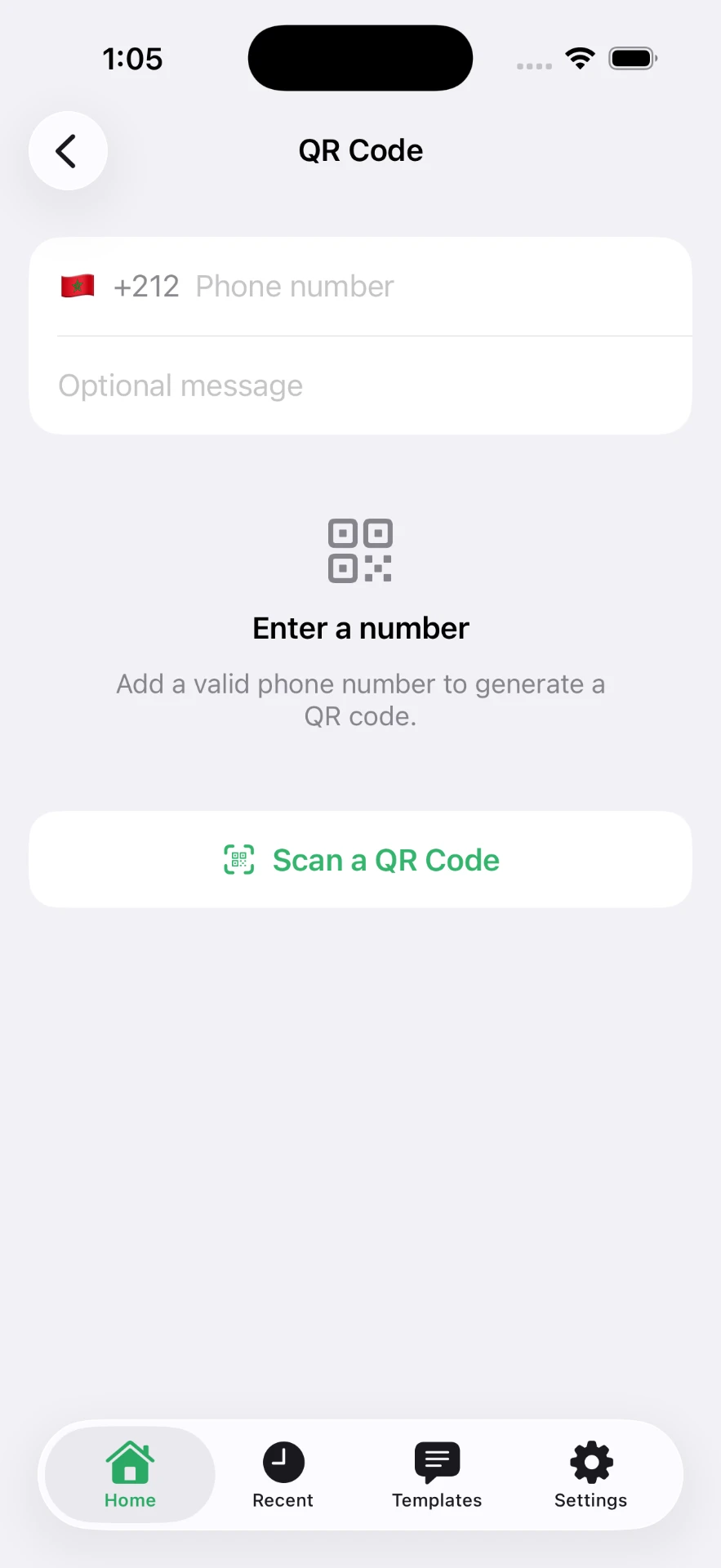
QR codes on iPhone
The app also generates a QR code for a number and optional message, and scans codes with the camera. Useful in two directions: printing your own code for customers, and scanning someone else's without typing anything.
There is a browser version of both tools here: the QR code generator and the link generator.
Which method to use
| Method | Best for | Limitation |
|---|---|---|
| Safari link | A number you will use once | Manual formatting, nothing remembered |
| iOS Shortcut | Same country, several times a week | No country picker, no history |
| Click to Chat | Many numbers, several countries, repeat replies | Requires installing an app |
Next: sending the message step by step or the broader WhatsApp without saving a number guide.
Frequently asked questions
Does this work on every iPhone?
The Safari link method works on any iPhone with WhatsApp installed. The Click to Chat app requires iOS 16 or later.
Can I use Siri or a Shortcut instead?
Yes. An iOS Shortcut that asks for a number and opens a wa.me URL works well, though you have to handle the country code formatting inside the Shortcut yourself.
Does the app need access to my contacts?
No. Click to Chat opens a conversation from a number you type or paste, so it does not request contacts access to do its main job.
Where are my recent numbers stored?
On your iPhone, inside the app. They are not uploaded to a server.
Can I remove a number from recents?
Yes, swipe it away. Favorites can be unstarred the same way.
Click to Chat is an independent utility and is not affiliated with, sponsored by, or endorsed by WhatsApp LLC. WhatsApp is a trademark of its respective owner.