Chat Without Saving Contacts
Enter or paste a number and start a conversation without cluttering your contacts.
 Built for iPhone
Start a WhatsApp conversation with any phone number without adding it to your contacts. Fast, simple, and built for iPhone.
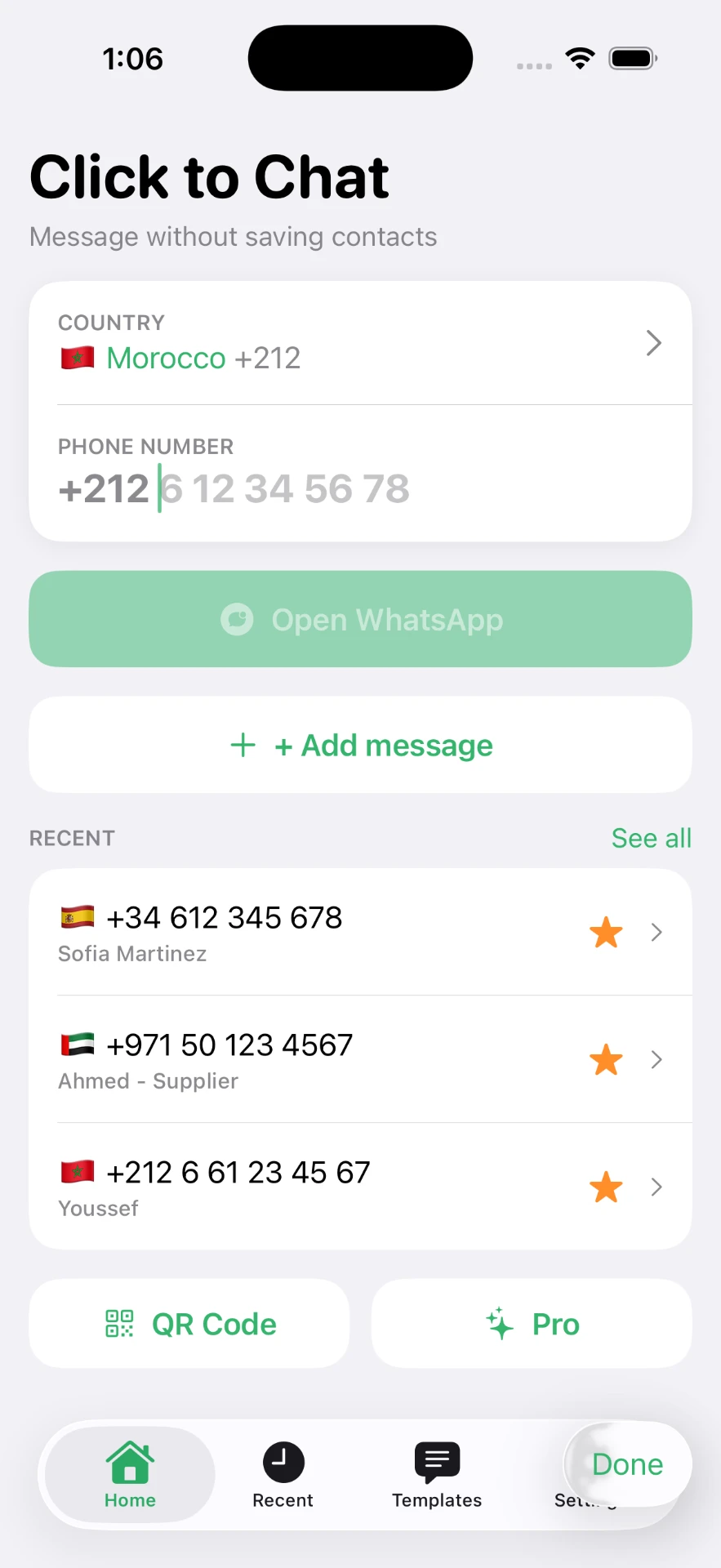
No new contact card, no copy-and-paste gymnastics, no waiting for the number to sync across your devices. Three taps and the conversation is open.
Select the correct country code and enter the phone number.
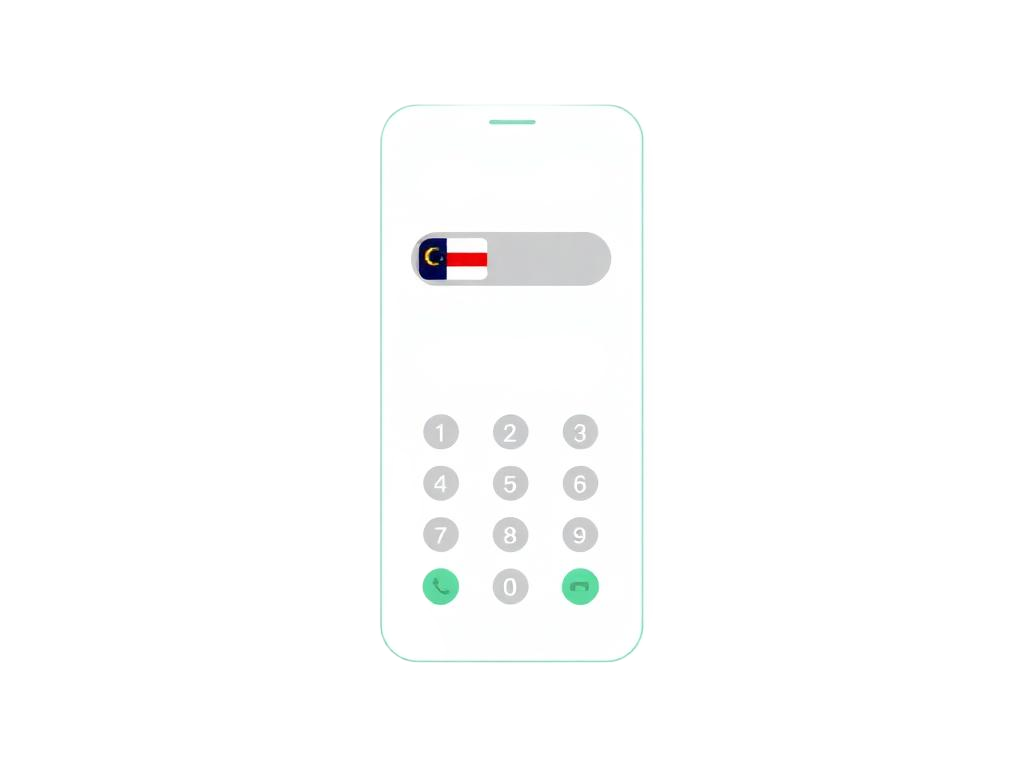
Optionally add a pre-filled message or use a saved template.

Open the conversation directly without creating a new contact.

Click to Chat is a small, focused utility. It does the handful of things you actually need when messaging numbers that don't belong in your address book.
Enter or paste a number and start a conversation without cluttering your contacts.
Quickly reopen numbers you have previously used.
Keep frequently used numbers within reach.
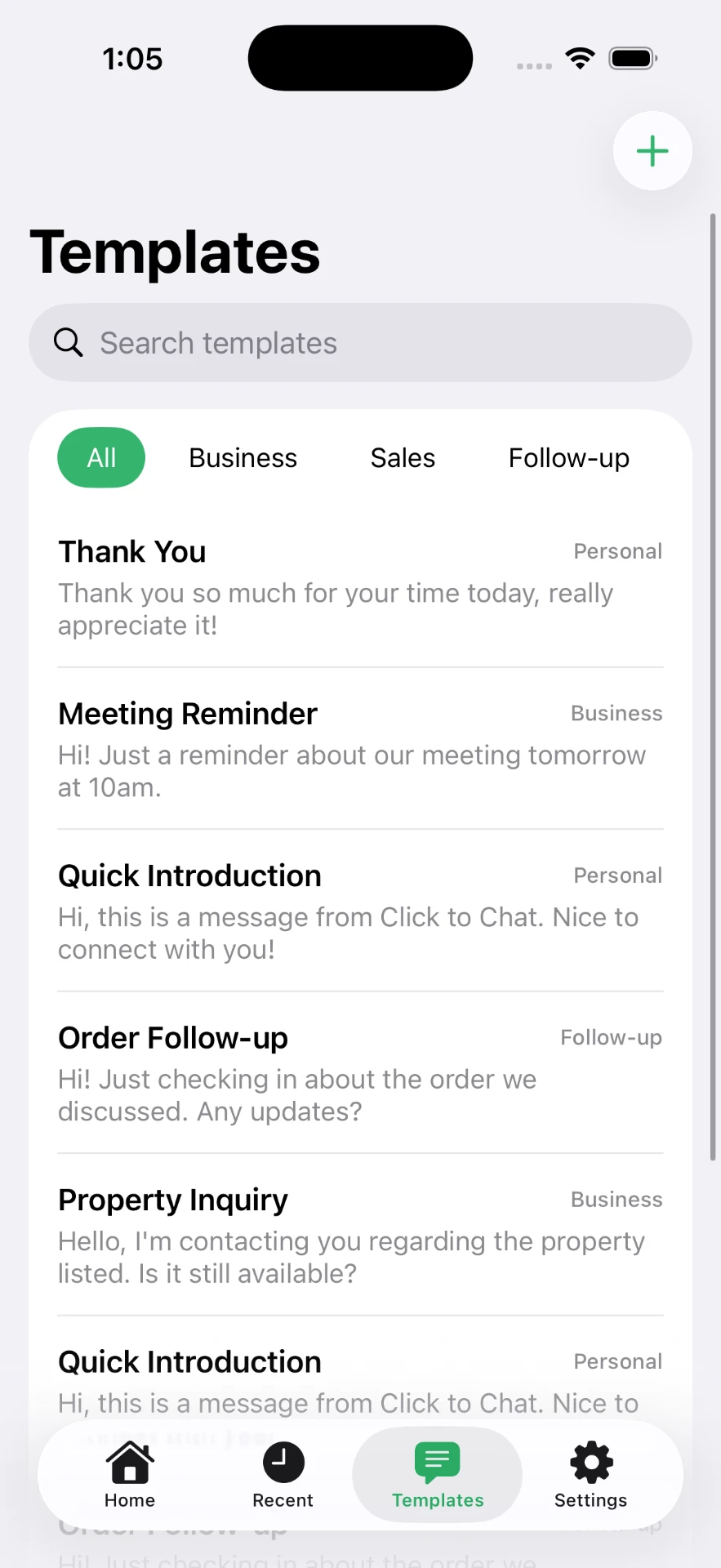
Save common messages for customer replies, inquiries, follow-ups, deliveries, and more.
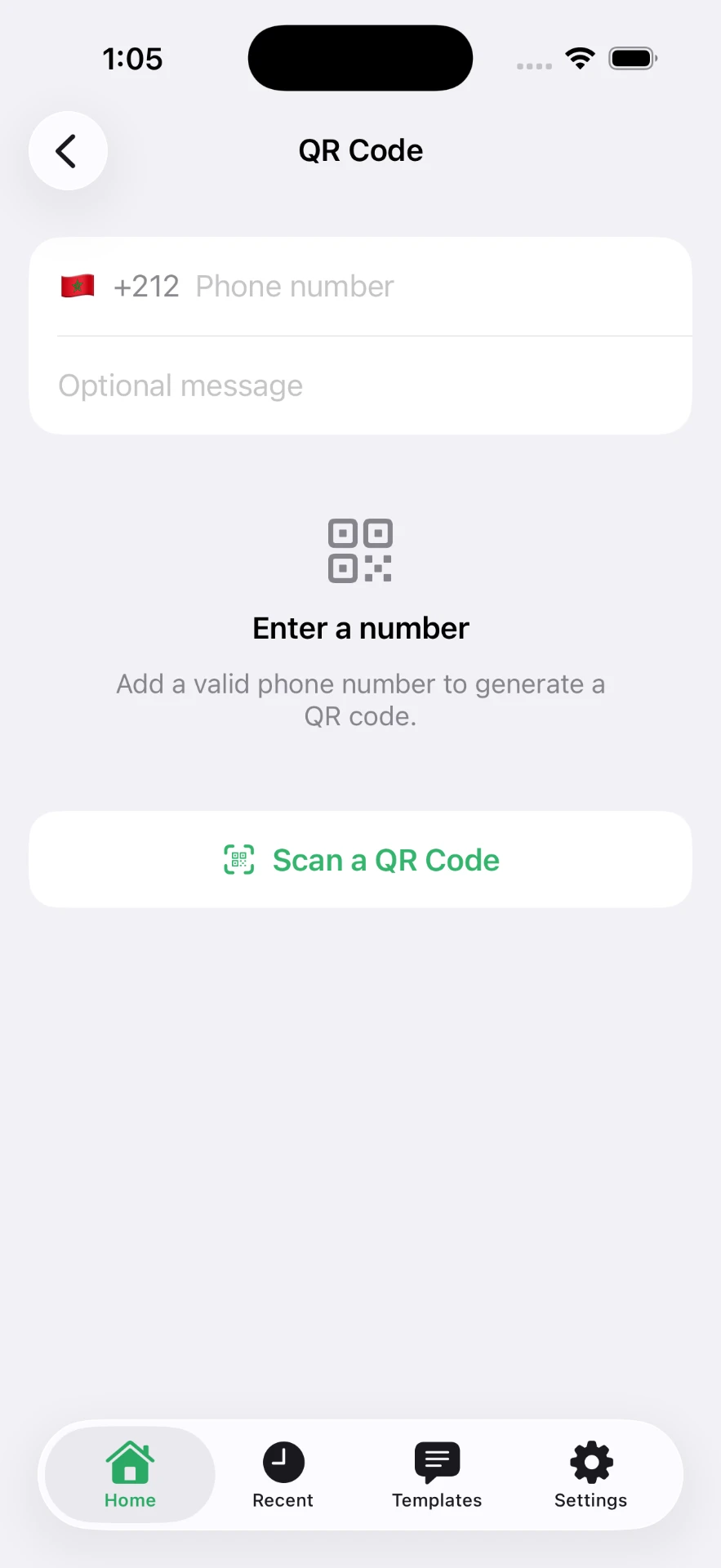
Generate chat QR codes with optional pre-filled messages.
Scan supported chat QR codes quickly.
Select international calling codes easily.
Native-feeling interface designed specifically for iOS.
See the full breakdown on the features page.
Choose a country, type the number, and open the conversation. The number stays out of your contacts unless you decide otherwise.
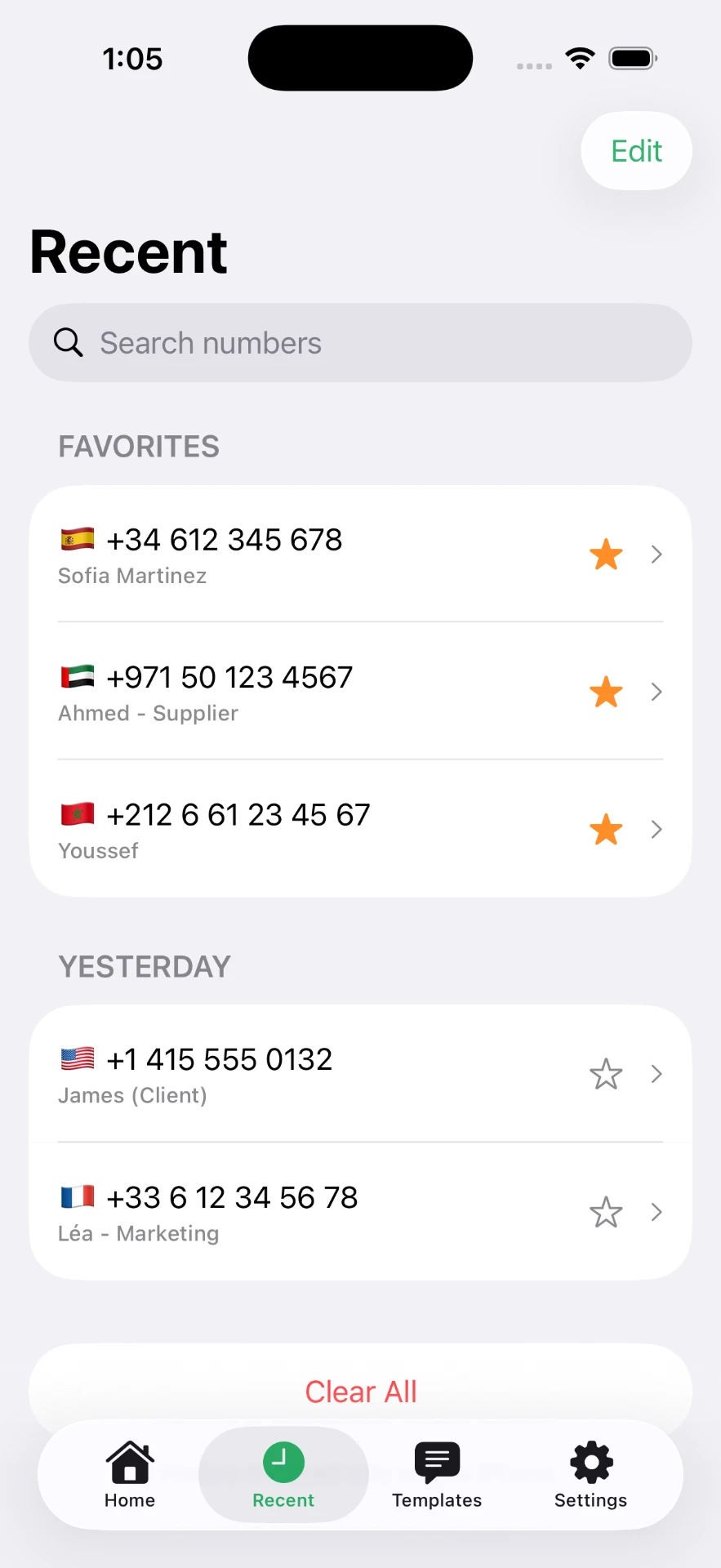
Numbers you have used before are grouped by day, with favorites pinned at the top so the ones that matter stay reachable.
Save the replies you send all day — order follow-ups, meeting reminders, property inquiries — and drop them into a chat instantly.
Generate a QR code for a number with an optional pre-filled message, or scan a supported code to jump straight into a chat.
Most people who need to message an unsaved number do it for work. A viewing to confirm, a buyer asking about an item, a delivery running late — conversations that matter today and rarely need a permanent contact card.
Message property owners, prospects, contractors, and clients without saving every number.
Respond quickly to marketplace buyers and order inquiries.
Contact leads and prospects while keeping your address book clean.
Send quick updates without permanently adding customer numbers.
Use saved message templates for faster replies.
Communicate with short-term clients without filling your contacts.
You don't need the app to solve the problem today. These guides and browser tools work on their own — the app just makes the same workflow faster on iPhone.
The concept, the link format and where it is useful.
The manual method, step by step.
The full guide for iPhone and desktop.
Country codes, Safari and Shortcuts.
Free browser tool. Nothing is stored.
Download a QR that opens a chat.
No contacts access. The core chat feature works from a number you type or paste, so the app does not need permission to read your address book.
Your lists stay on device. Recent numbers, favorites and templates are stored in the app on your iPhone.
You send the message. The app opens the conversation with your text pre-filled. Nothing is sent until you tap send.
Read the full privacy policy.
Yes. A chat can be opened from the phone number alone. Click to Chat builds the conversation link for you and opens it, so the number never has to become a contact card on your iPhone.
Pick the country code, type the rest of the number, optionally add a message, then tap Open WhatsApp. The conversation opens directly in WhatsApp.
No. The core chat feature works from a typed or pasted number and does not require contacts access.
No. Click to Chat prepares and opens the conversation. You remain in control of sending the message.
Yes. Choose the country from the selector so the international dialling code is applied correctly, then enter the local part of the number without its leading zero.
No. Click to Chat is an independent iPhone utility. WhatsApp is a trademark of its respective owner.
Click to Chat is a focused iPhone utility for exactly this. Download it and keep your contacts list for the people who belong in it.