Click to Chat — Start a Chat Without Saving a Contact
Click to chat is the simplest idea in messaging: a phone number turned into a link, so tapping it opens a conversation. No contact card, no address book entry, no cleanup afterwards.
What click to chat means
Messaging apps normally assume a conversation starts from a contact. You get a number, you add the person, and only then can you write to them. Click to chat removes that middle step. A phone number written in international format becomes part of a URL, and opening that URL asks the messaging app to open the conversation with that number.
The number is still needed — click to chat is not a way to message someone anonymously or to find people you don't have a number for. It only removes the requirement that the number must exist as a saved contact first.
How a click to chat link works
The link has two parts: the destination, and the number written without spaces, dashes, brackets or a plus sign. For WhatsApp the widely used short form is:
| Part | Example | Notes |
|---|---|---|
| Base | https://wa.me/ | Handles the hand-off to the app or the web client |
| Number | 212612345678 | Country code first, digits only, no leading zero |
| Message | ?text=Hello | Optional, URL-encoded, pre-fills the input field |
Put together, https://wa.me/212612345678?text=Hello opens a conversation with that number and the word "Hello" waiting in the message box. Nothing is sent until the person tapping send decides to. You can build one right now with the free link generator.
When it is useful
- One-time conversations. A delivery driver, a marketplace buyer, a plumber quoting a job. You will speak once and never again.
- Business inbound. A link or QR code on a listing, a menu, a receipt or a shop window lets customers open a chat with you without typing anything.
- International numbers. Saving foreign numbers correctly is fiddly. A link built with the right country code sidesteps the formatting problem.
- Keeping your address book clean. If you talk to dozens of new numbers a week, saving each one makes your contacts unusable within a month.
How to use it on iPhone
- Open Safari and type the link into the address bar, using the format above.
- Load the page and confirm the number shown is the one you meant to reach.
- Tap the button to continue in the messaging app.
- Write or edit the message, then send it.
It works, but it is tedious to do repeatedly: you have to remember the format, strip the leading zero, and type the whole thing on a phone keyboard. That's the friction the app removes. There is a longer walkthrough in the iPhone-specific guide.
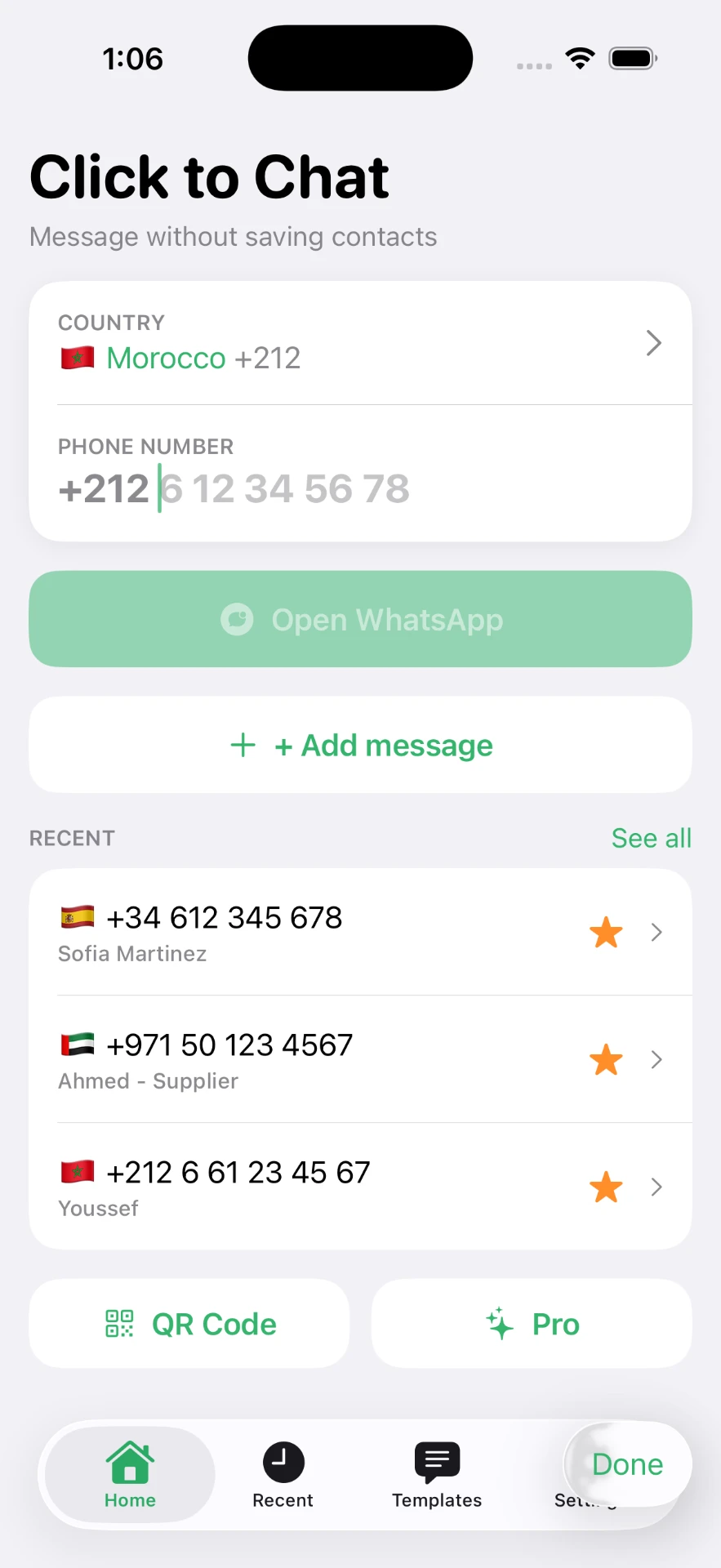
How the Click to Chat app simplifies the process
The app is a keyboard-friendly front end for the same link. You pick the country from a list, type the local number, and it assembles the international format for you — including dropping the leading zero, which is where most manual attempts fail.
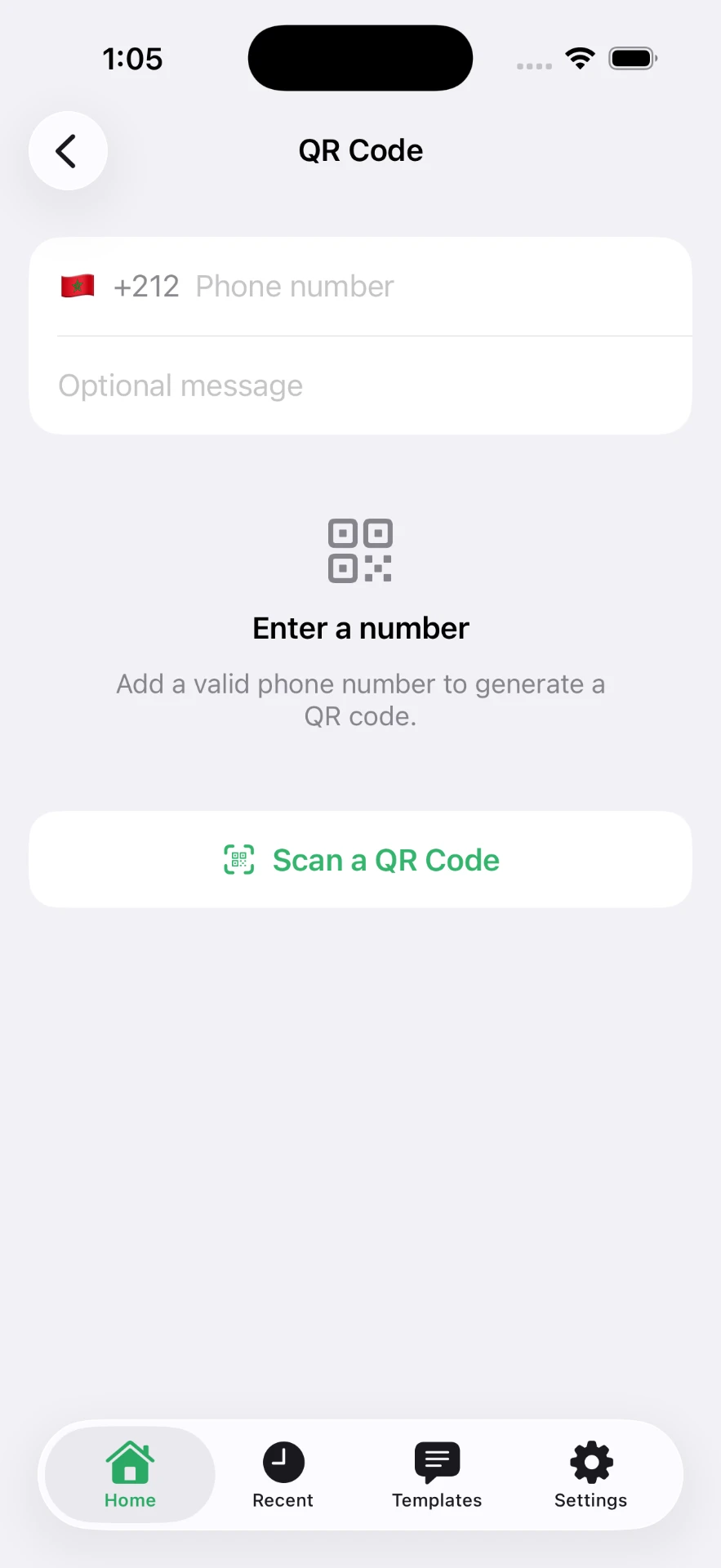
From there it adds the parts that a plain link cannot: numbers you used recently, favorites for the ones you reach for constantly, and saved message templates so a repeated reply is a tap rather than a retype. It also generates QR codes for a number and can scan supported codes.
Related reading: chatting without saving a number, sending a message without saving the number, and the full WhatsApp guide.
Frequently asked questions
What is Click to Chat?
Click to Chat is the general name for opening a messaging conversation directly from a phone number using a link, instead of first creating a contact. It is also the name of an iPhone app that builds and opens those links for you.
Can I start a chat without saving the phone number?
Yes. The number only needs to be formatted in international style inside the link. Nothing has to be written to your address book for the conversation to open.
Does Click to Chat require access to my contacts?
No. The core chat feature works from a number you type or paste, so no contacts permission is requested for it.
Can I add a message before opening the chat?
Yes. A pre-filled message can be attached to the link, and the app can store reusable templates. The message appears in the input field and you decide whether to send it.
Does it work with international phone numbers?
Yes, and it is the main reason people use it. Select the country so the dialling code is applied, then enter the local number without its leading zero.
Can I create a QR code for a chat?
Yes. A chat link can be encoded into a QR code so anyone scanning it lands in a conversation with you, optionally with a message already written.
Click to Chat is an independent utility and is not affiliated with, sponsored by, or endorsed by WhatsApp LLC. WhatsApp is a trademark of its respective owner.