WhatsApp QR Code for Business
A printed code removes every step between a customer standing in front of you and a conversation in your chat list — no number to dictate, no typo, no contact to save on either side.
What the code contains
Nothing clever: a QR code is a picture of a URL. For chat, that URL is a wa.me link holding your number in international format and, optionally, a pre-filled message. The camera reads the link and the phone opens it.
Creating one
- Write your number in international format, digits only, no leading zero.
- Decide whether to include a starter message — "Hi, I'd like to order" saves the customer the first sentence and tells you where the scan came from.
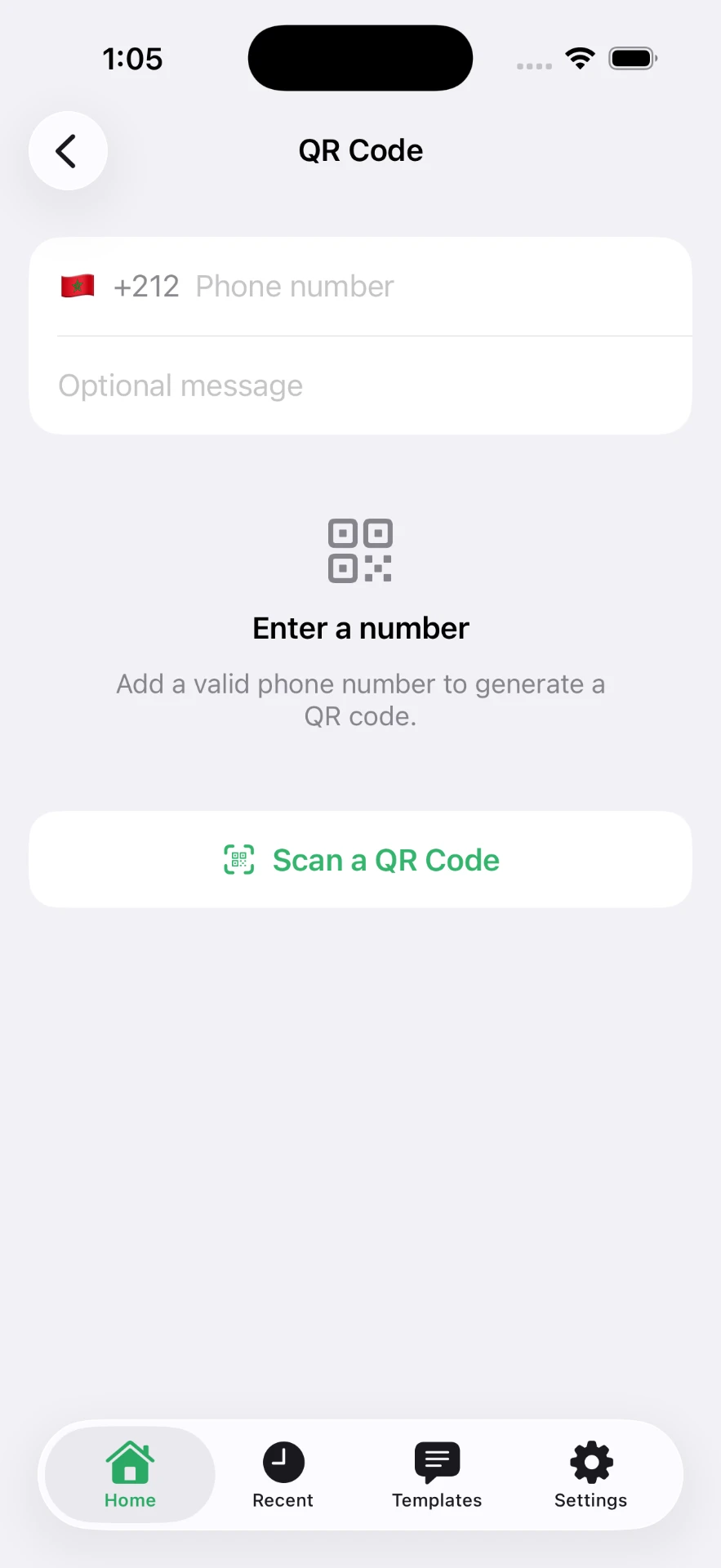
- Generate the code in the browser with the QR code generator and download the PNG.
- Scan it yourself with a different phone before printing anything.
Where to put it
- Counter or till — with a line of text: "Questions? Scan to message us."
- Receipts and invoices — a pre-filled reference makes follow-ups trivial.
- Packaging inserts — the cheapest support channel a small shop has.
- Shop window — printed large enough to scan from the pavement.
- Vehicle livery, market stalls, event stands — anywhere someone has thirty seconds and a phone.
Printing rules
| Scan distance | Minimum printed size |
|---|---|
| 30 cm (receipt, card) | 2–3 cm |
| 1 m (counter sign) | 10 cm |
| 3 m (window, poster) | 30 cm |
Keep a clear white margin of at least four modules around the code, print dark on light rather than the reverse, and never stretch it out of square.
Common mistakes
- Encoding a local number without the country code, so foreign visitors get an error.
- Laminating with a glossy finish that reflects overhead lighting.
- Placing the code below knee height or behind a display stand.
- Printing a code nobody test-scanned, then reprinting a thousand flyers.
- Using an unencoded message so everything after the first space disappears.
Related: the QR generator, the link generator, and message templates to fill the code with.
Frequently asked questions
Does a WhatsApp QR code expire?
A code you generate from a wa.me link is just that URL in visual form, so it works as long as the number does. WhatsApp's own in-app contact QR can be reset by its owner.
Can the QR code include a message?
Yes. Encode a link with ?text= and the scanner opens the chat with that message already drafted.
What size should I print it?
About 3 cm across for a code scanned at arm's length, and roughly a tenth of the viewing distance for posters — a code read from 2 m should be around 20 cm.
Do customers need to save my number?
No. Scanning opens the conversation directly, which is the point.
Click to Chat is an independent utility and is not affiliated with, sponsored by, or endorsed by WhatsApp LLC. WhatsApp is a trademark of its respective owner.